 LOCK
Sensitivitas FF Beginner Guide For New Free Fire Players
Set up Sensitivitas FF as a beginner with safe starting values, a simple testing routine, and the order in which to adjust each setting.
Match Sensitivitas FF to your grip style, covering thumb play, claw grips, supported grips, and the sensitivity traits each hold creates.
Before any slider, your hands decide how input happens. A two thumb grip, a claw layout, and a supported desk grip produce different drag lengths, different fatigue, and different errors from the same values. Tuning without naming your grip is tuning in the dark.
Identify your hold honestly, then review the matching ranges through Sensitivitas FF official site. Many mystery sensitivity problems resolve the moment values and grip are chosen together.
Age and hand size quietly vote in every grip decision. Younger players with smaller hands often find full claw cramped, while larger hands find two thumb play imprecise at the screen edges. Fit the grip to the hands you have this year, and refit without sentimentality when they change.
Most players hold the phone at both lower corners and do everything with their thumbs. This grip favours slightly higher general sensitivity, because thumb drags are short, and it punishes very low scope values that demand long precise drags.
Its weakness is simultaneity: shooting while jumping or walling asks one thumb to be in two places. Players who feel that ceiling are the natural candidates for claw.
Claw moves shooting to an index finger and frees the aim thumb. The FF HUD layout guide shows the layouts involved. Sensitivity usually settles a little lower than thumb play for the same player, because the freed thumb drags more deliberately.
Fatigue is the claw tax. Shorter sessions and a relaxed hand shape keep the grip sustainable, and any numbness is a signal to stop, not to push through.
Resting the phone on a surface or a stand stabilises everything. Drags lengthen, fine control improves, and scope values can drop for precision. The gyroscope settings guide explains how tilt based correction pairs with supported play for players who want the steadiest possible aim.
Supported grips suit longer sessions and deliberate play styles. If your best matches happen at a desk, tune proudly for the desk instead of apologising for it.
There is no honour in enduring a grip that hurts and no shame in the simplest hold played beautifully. The scoreboard cannot see your fingers.
Thumb players usually nudge general sensitivity upward, claw players settle it downward, and supported players gain the freedom to lower scope values for precision. Treat these as hypotheses for your drills to test, because Sensitivitas FF direction matters more than Sensitivitas FF folklore.
Change one value in the grip's predicted direction, measure for three sessions, and keep or revert by the record alone.
Finger sleeves reduce friction, shoulder triggers move shooting off glass entirely, and stands stabilise the whole platform. Each aid changes input feel enough to deserve a drill check before serious play, since Sensitivitas FF values assume a specific relationship between finger and screen.
Add aids one at a time, weeks apart. Stacked changes make the resulting feel unreadable, and unreadable feel is how good setups get abandoned.
Some players thumb casual matches and claw ranked ones. Two grips honestly used deserve two written setups, switched deliberately before the session, never mid match. Sensitivitas FF tolerates dual citizens provided each identity keeps its own records.
The cost is double maintenance. The benefit is never forcing one grip to do a job it dislikes.
Switch grips in training mode, keep your old values written down, and give the new hold two weeks before judging. Expect a dip, schedule around it, and retune only after the grip itself stops feeling new.
The grip you keep is the right grip. Sensitivity exists to serve the hold your hands actually choose at match speed.
Grip decisions deserve the same evidence as slider decisions. Work through this list whenever your hands change their habits, and the values will follow logically.
Grip decides drag length, finger roles, and fatigue, so the same values feel different in each hold. Tune values and grip as one decision.
The two thumb grip, because it is natural and lets new players learn the game before learning a hand position.
Tension and session length are the usual causes. Relax the hand shape, shorten sessions, and stop if numbness appears.
Whichever you actually use in serious matches. A written setup for your real posture beats an idealised one.
Grip is the silent co author of every sensitivity sheet. Name yours, tune for it, and half the contradictions in sensitivity advice disappear.
Hands first, values second. That order turns a confusing topic into a fitting exercise, and fittings can always be finished.
Work through the checklist above whenever this topic comes up in your own sessions. Small, recorded, repeatable steps are what turn Sensitivitas FF advice into personal results.
Download Sensitivitas FF APK LOCKSet up Sensitivitas FF as a beginner with safe starting values, a simple testing routine, and the order in which to adjust each setting.
 LOCK
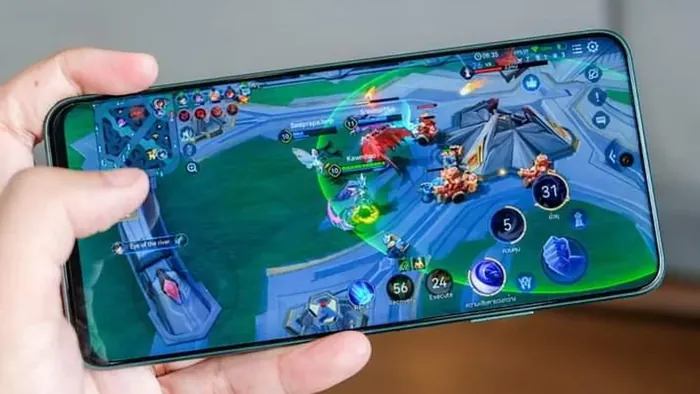
Tune Sensitivitas FF for rush gameplay with faster camera values, close range aim control, and drills that keep aggressive play accurate.
 LOCK
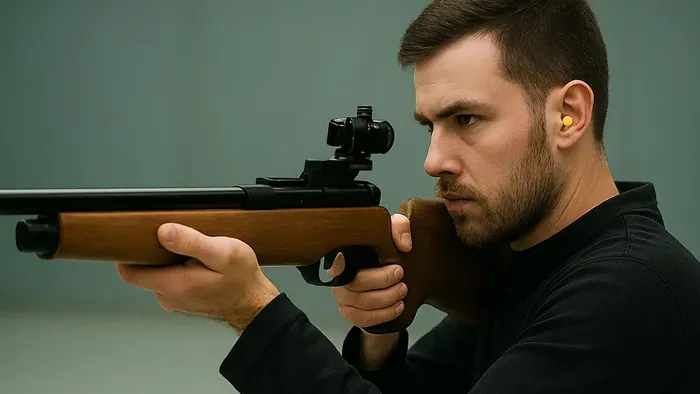
Dial in sniper sensitivity with scope values, flick control, and positioning habits that turn long range fights into your strongest ground.